Choose tasks before a platform
“There is a CMS” does not tell you whether you can replace the opening image without help. A content management system is useful when it supports your actual routine. Begin with the changes you expect to make and ask the designer to demonstrate them.
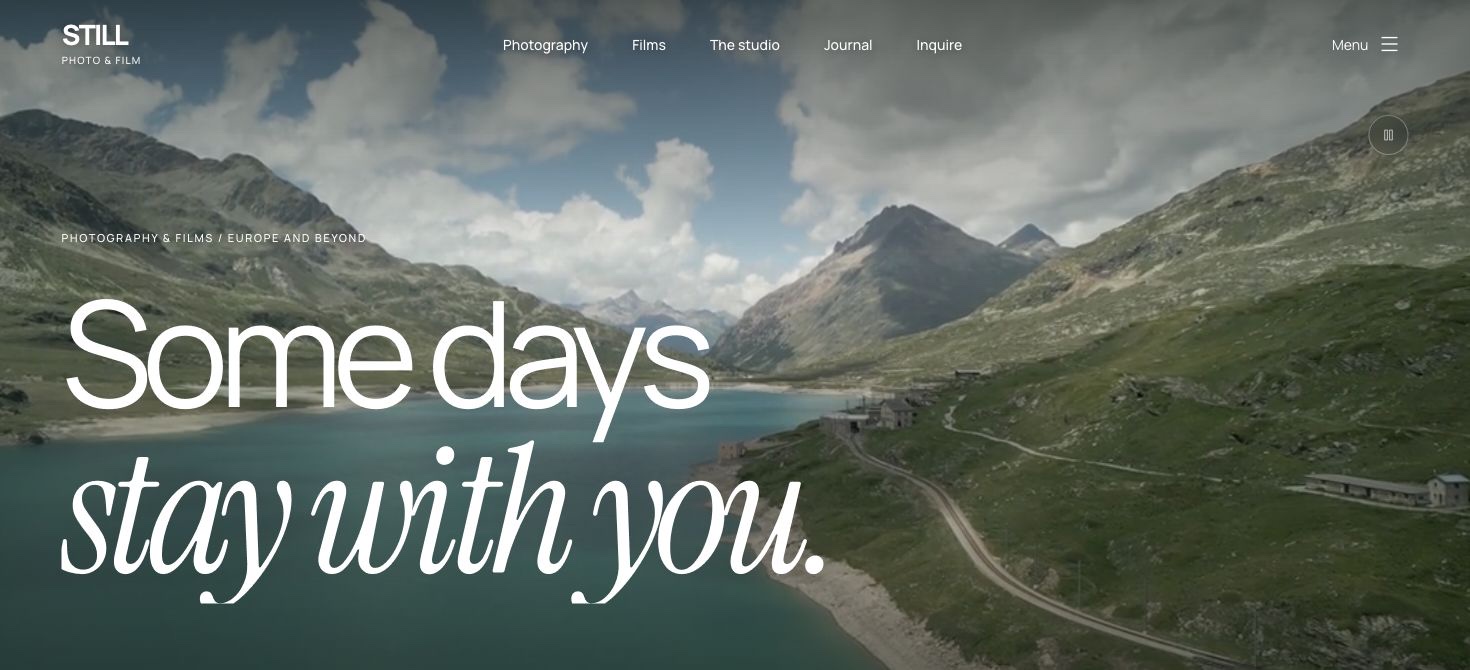
For a photography studio, this may include adding a gallery, choosing a project cover, reordering photographs, changing prices and publishing a story. For a videographer, it may also include replacing a film link, preview video or poster. These are content tasks; changing the entire design system is a different type of work.
What the LUMEN example demonstrates
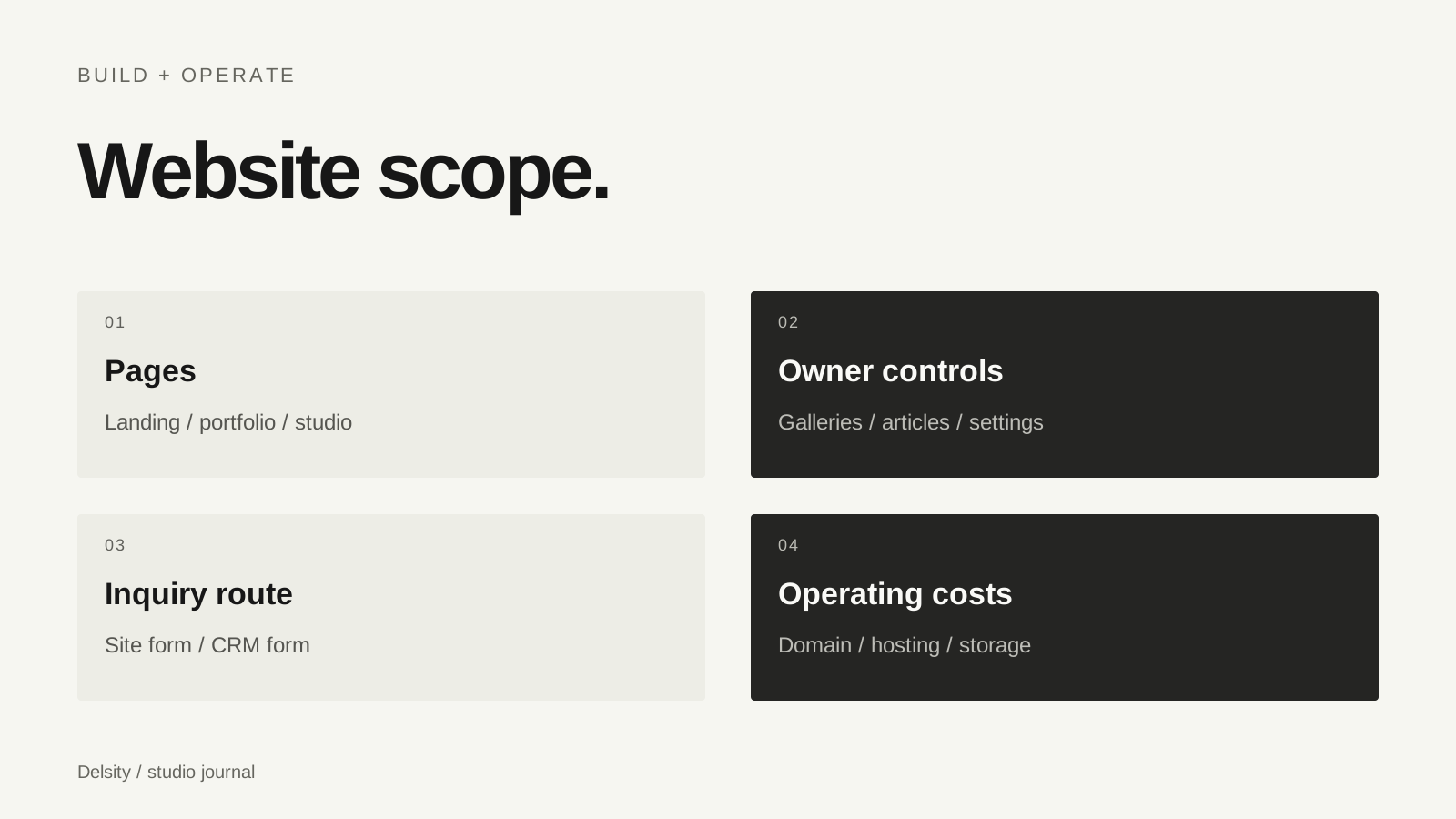
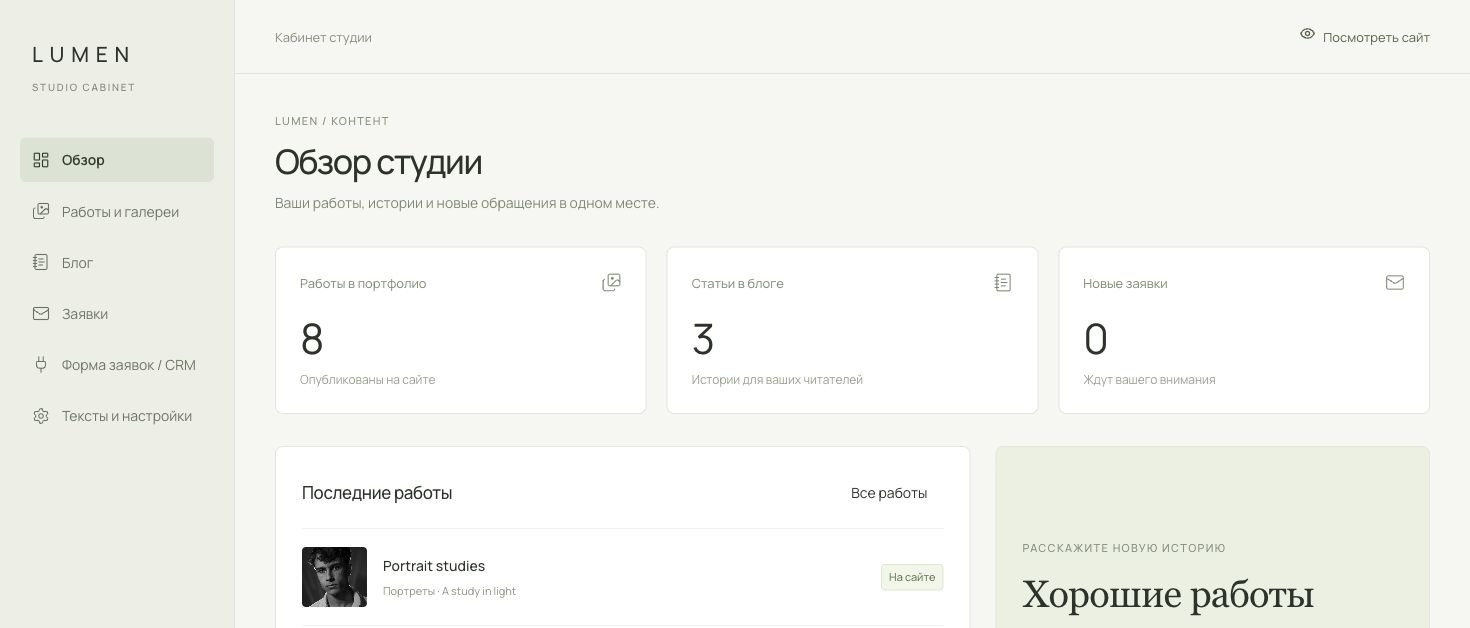
Our LUMEN website includes an owner cabinet for portfolio content, articles, text and settings. It also provides a place to view inquiries from the site’s built-in form. The public website and the editing area belong to the same example, rather than being unrelated mockups.
That cabinet is a reference for the workflow we can build. It is not a promise that every quoted website includes every control. Show us the content you need to manage and we will name the relevant sections in the scope. You can view the LUMEN case and the cabinet screenshot in the website service page.
Keep saving and publishing distinct
An unfinished article should not become public because you clicked save. Draft preview and publishing are separate decisions. Ask what visitors see while you edit, whether a preview is available and how you confirm the final version.
For galleries, the same idea applies to image order and cover changes. A clear workflow lets you prepare a complete story, check it on a phone and then publish. During handover, practise this with a small test update rather than relying only on a written list of features.
Understand the accounts and responsibilities
| Question | What to clarify |
|---|---|
| Who owns the site? | Repository, hosting and domain account access |
| Who can edit? | Owner role and any team permissions |
| Where are assets stored? | Image storage, video links and any recurring plan |
| Who maintains the system? | Updates, backups and support scope |
| How is content exported? | Available files and content transfer process |
A cabinet does not remove operational costs or maintenance needs. Agree who handles these tasks after launch. Keep access instructions private and avoid sharing one owner login across a large team.
Five handover checks
- Replace a hero image and check its crop on a phone.
- Create a project, reorder images and set its cover.
- Save an article as a draft, preview it and publish it.
- Update a visible text or price field.
- Submit a test inquiry and verify the correct destination.
If you only update one page twice a year, a simpler system may be enough. If you publish frequent shoots and articles, routine owner controls deserve more attention. Decide by your workload, rather than choosing a platform from a feature count alone.
Frequently asked questions
Can a CMS change every detail of the design?
Not necessarily. Most editing controls manage defined content and settings. Major layout or feature changes can still require development.
Can I update a hero photograph?
Yes, when that control is part of the agreed cabinet. Test both the image replacement and its mobile crop during handover.
Does the cabinet replace a CRM?
No. Website content management and client relationship management serve different tasks. They can be connected at a defined level.