01 / WEBSITE
LUMEN
Wedding photographer website
VISUAL DIRECTION
Calm. Light. Personal stories.
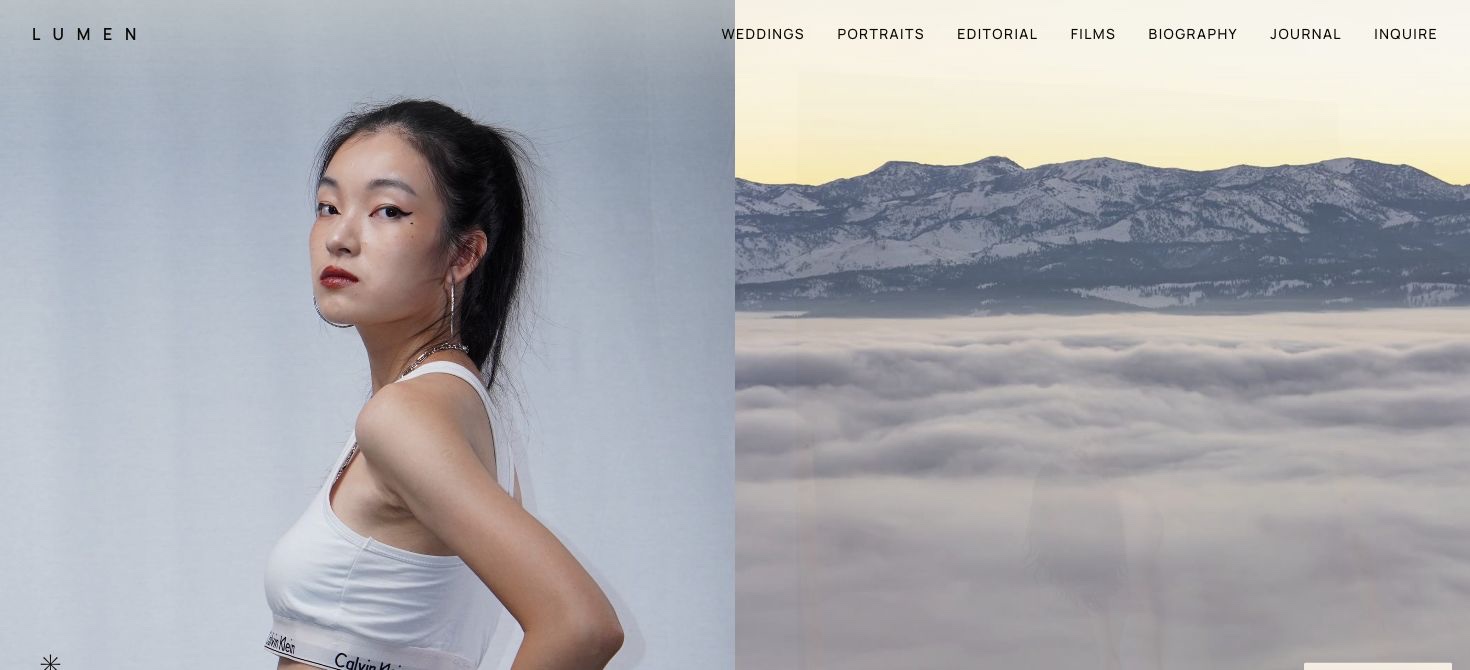
A website for a photographer who shoots weddings, portraits and editorial series. Quiet typography, large photographs and a page for each story show the photographer’s style before the first inquiry.
Challenge
Show a photographer’s whole style, not a handful of good frames. Give visitors room to explore the series, get to know the photographer, see the services and move on to an inquiry.
Solution
Two slideshows on the first screen, photographs that open as you scroll, and separate collections for weddings, portraits and editorial work. Galleries, journal, packages and an inquiry page form one structure; the menu and layout adapt to a phone.
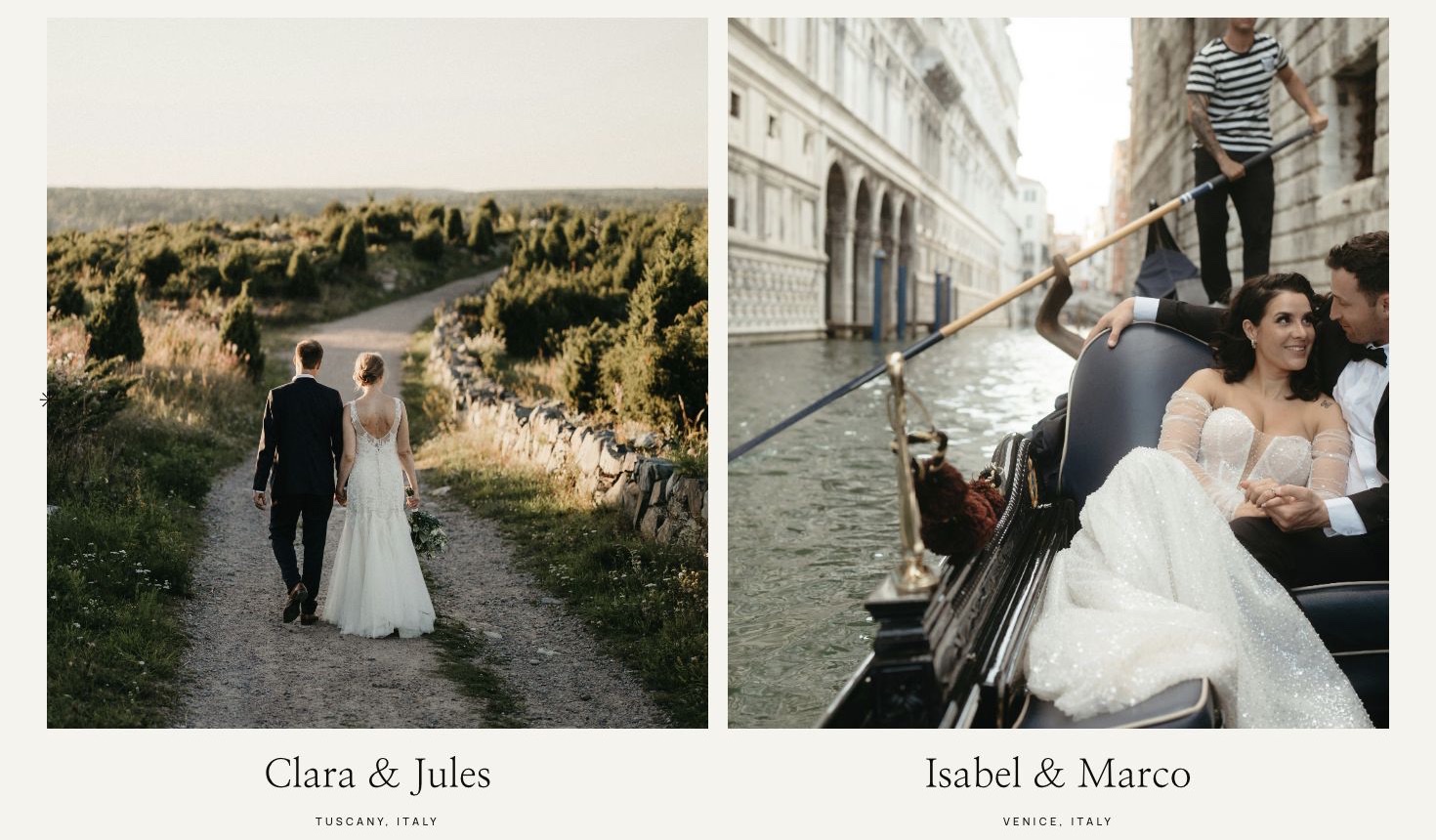
Stories worth a closer look.
Collection of wedding stories
03 / RESPONSIVE DESIGN
The same rhythm on a small screen.
Structure, photos and navigation are adapted for the phone. Not a shrunken copy of the desktop.
390 PX / MOBILE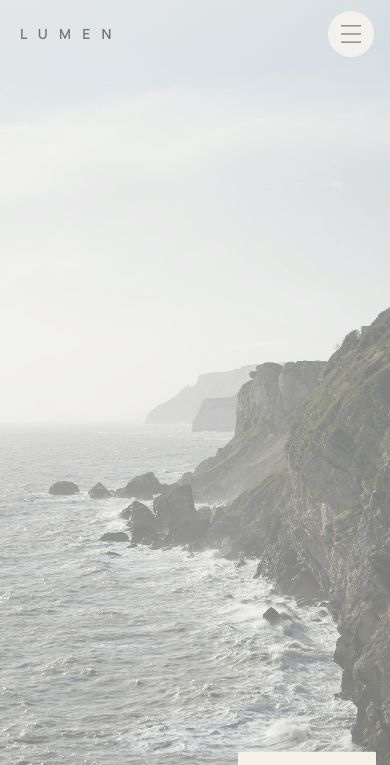
OWNER DASHBOARD
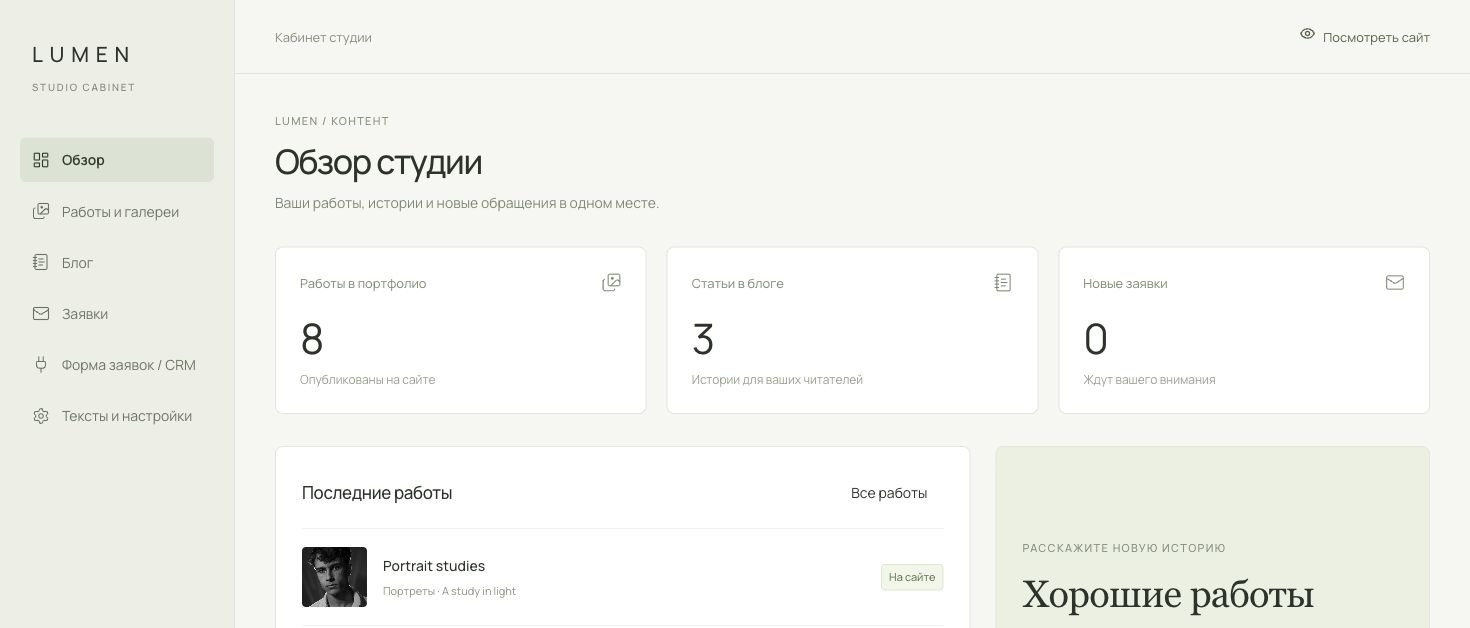
Update your site yourself.
Add work, publish stories and change prices. We agree the dashboard scope around your needs.
WHAT YOU CAN EDIT
Photographs and portfolio
Change the photos on your home page and add shoots and galleries. Choose covers, the order of frames and links to your films.
Copy, journal and prices
Publish stories from your shoots and articles. Update your studio description, contact details, packages, prices, reviews and FAQ.
Drafts and publishing
Save changes as a draft first. Publish the finished version when you have checked everything.
Inquiries and your CRM
Read the inquiries from the site’s form and mark them as read. If you already work in a CRM, we connect its form.
- HoneyBook
- Dubsado
- 17hats
- Studio Ninja
- Sprout Studio
We connect your published CRM form, on the page or behind a button. Its inquiries go to your CRM; inquiries from the built-in form go to the dashboard.
The dashboard shown here belongs to the LUMEN site. Sections and CRM connection are included in the agreed estimate. At handover we give you access and show you how to use it.