The terms overlap
In a practical video brief, animation means creating an impression of movement over time. Motion graphics usually refers to moving graphic elements: typography, logos, shapes, charts and other designed information. It sits within that broader field.
This is not a hard boundary between software packages, two and three dimensions or expensive and inexpensive work. A title can involve a complex 3D scene; a character can appear in a graphic explainer. The label alone does not define the work or the budget.
For commissioning, a better question is: what should the audience understand or feel at this moment in the video?
Match the task to the treatment
| Viewer needs to… | A useful starting point |
|---|---|
| Recognize your studio | A short logo reveal with a readable final hold |
| Understand who is speaking | A clear name title or lower third |
| Follow a process | A sequence of diagrams, labels and transitions |
| See something that cannot be filmed | An illustrated or 3D animated scene |
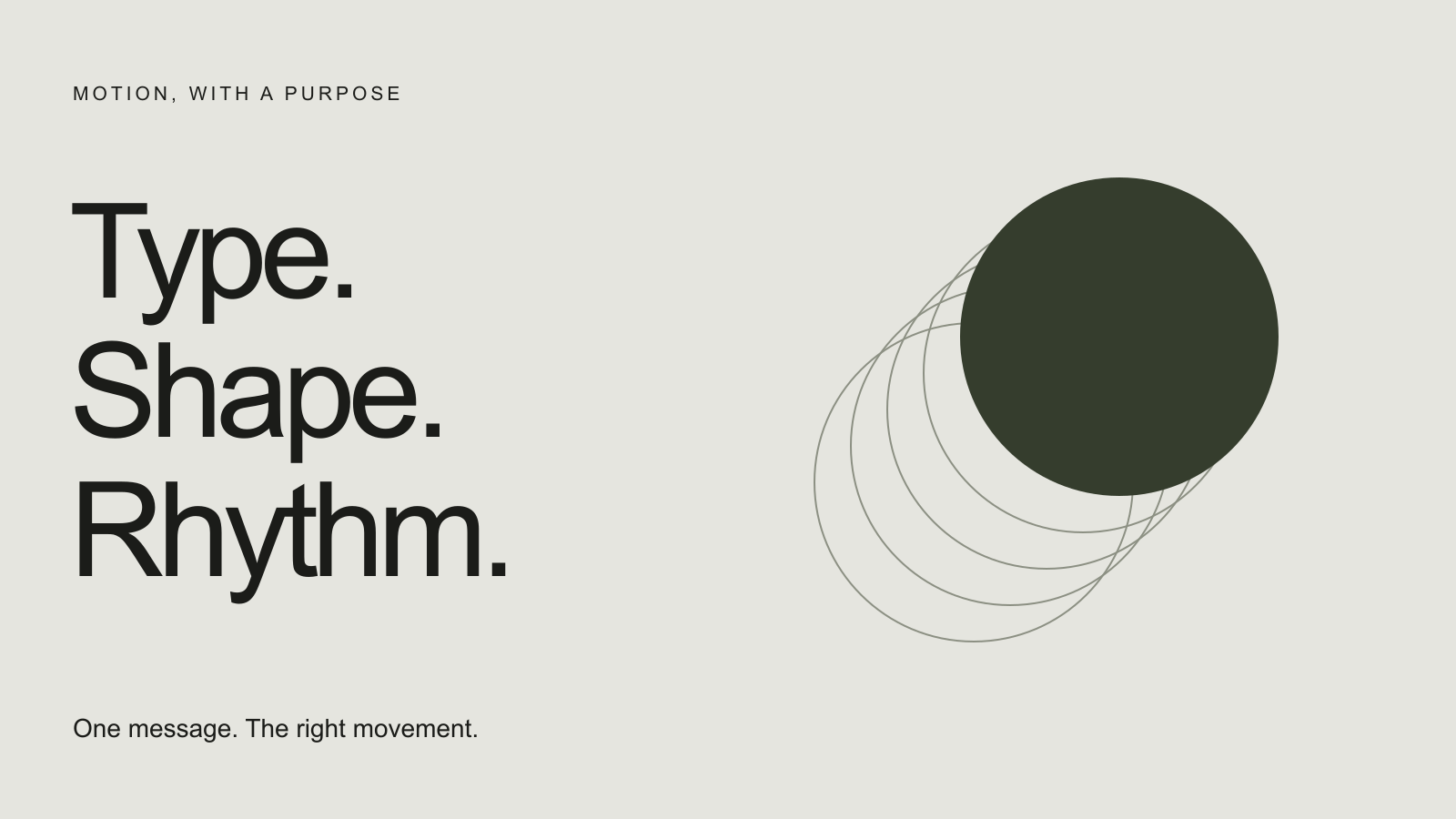
| Remember a message | Purposeful typography with time to read |
These are starting points, not fixed rules. Combine treatments when it helps the story. Avoid adding movement simply because a shot has an empty area that could hold a graphic.
Make one thing matter at a time
A common briefing problem is asking a short title to show a name, tagline, website, offer and social handle simultaneously. Even a polished animation cannot give every element equal attention.
Decide what viewers must read first, what can follow and what can disappear. Test the graphic over the busiest likely background, not only against an empty canvas. A title that looks elegant in isolation may be hard to read over moving footage.
Keep a still version of the key frame in the review. If the composition is unclear when paused, adding more movement rarely explains it.
Timing is part of the message
A quick entrance can feel energetic, but the reading time after it matters just as much. Ask the designer to show the animation within the actual edit, with its surrounding shots and sound.
For short social videos, plan the frame shape before designing. Repositioning text, protecting faces and choosing a different line break can make more sense than shrinking a wide composition to fit a vertical frame.
Looping graphics need their ending considered as carefully as their entrance. A short logo reveal may suit a single play; a background treatment may need to return quietly to the beginning.
A compact motion design brief
- Message: the one thing the audience needs to take away.
- Context: the footage or page where the graphic appears.
- Assets: final wording, brand files, fonts and any supplied artwork.
- Direction: a reference with notes about pace, composition and tone.
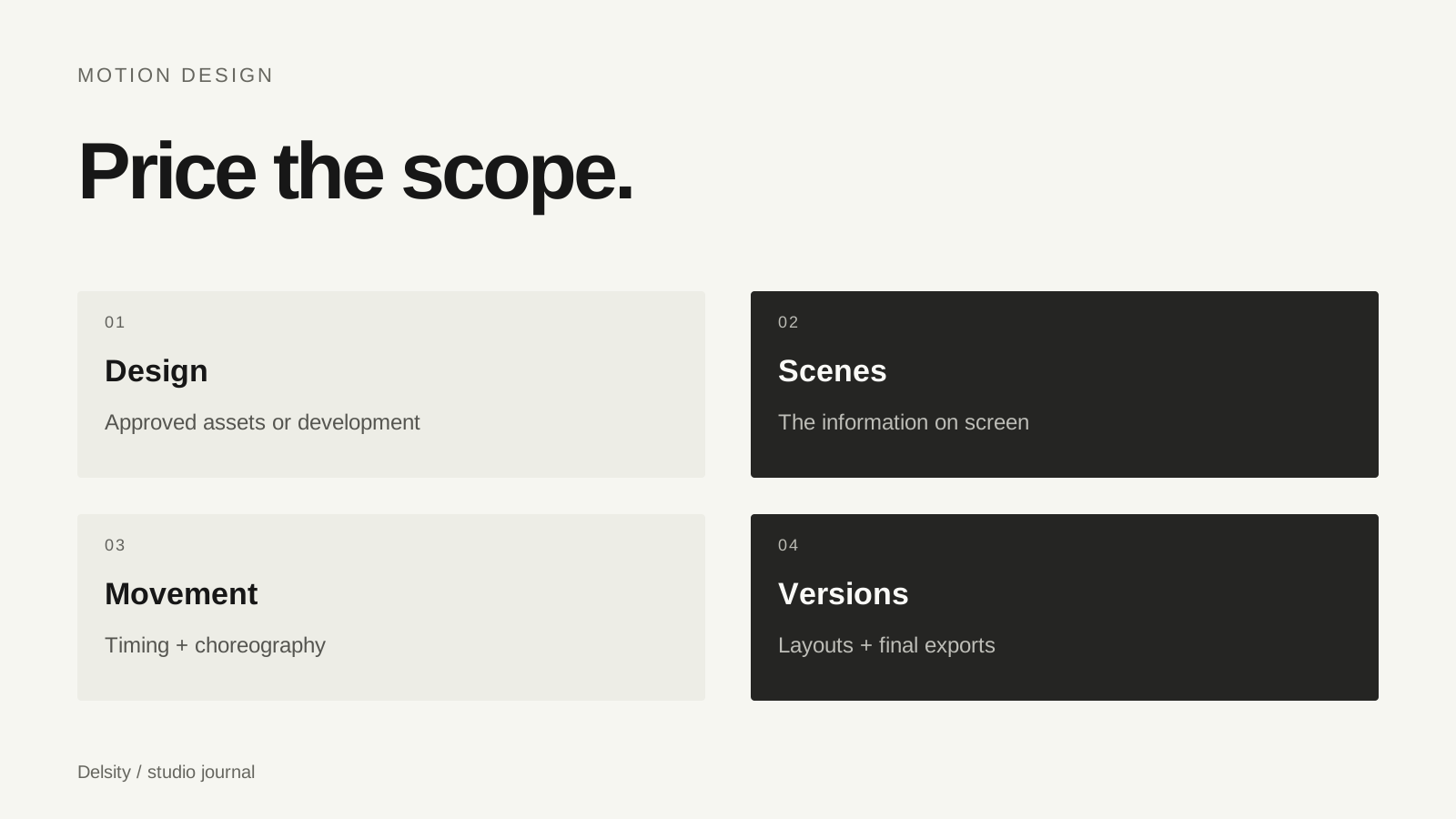
- Deliverables: duration, dimensions, versions, background and sound.
- Review: who approves the work and when the text becomes final.
If someone on your team will later change names, dates or copy, say so at the beginning. A reusable template and a finished one-off export are different deliverables.
Separate the brand signature from the rest of the film
A logo animation is one focused use of motion design. It can introduce or close a piece, while titles and information graphics support what happens inside it. Treat those as related but distinct tasks in your estimate.
You can watch our four logo examples to discuss a brand signature, or bring a broader sequence to our motion graphics service. In either case, the useful first step is a clear message and an actual place for the work to live.
Frequently asked questions
Are motion graphics and animation mutually exclusive?
No. Motion graphics are one use of animation, often centred on graphic elements, typography and information.
Which service fits animated titles?
Motion graphics is usually the relevant discussion for title systems and graphic elements across a video or series.
What makes a motion brief useful?
The message, approved text, scene list, design assets, reference movement and required platform versions.