Describe the missing workflow
A studio may have a spreadsheet, a gallery service, a CRM and a shared drive. The number of tools alone is not proof that it needs a custom application. Identify a recurring task that is slow, unclear or impossible, and describe the result you want.
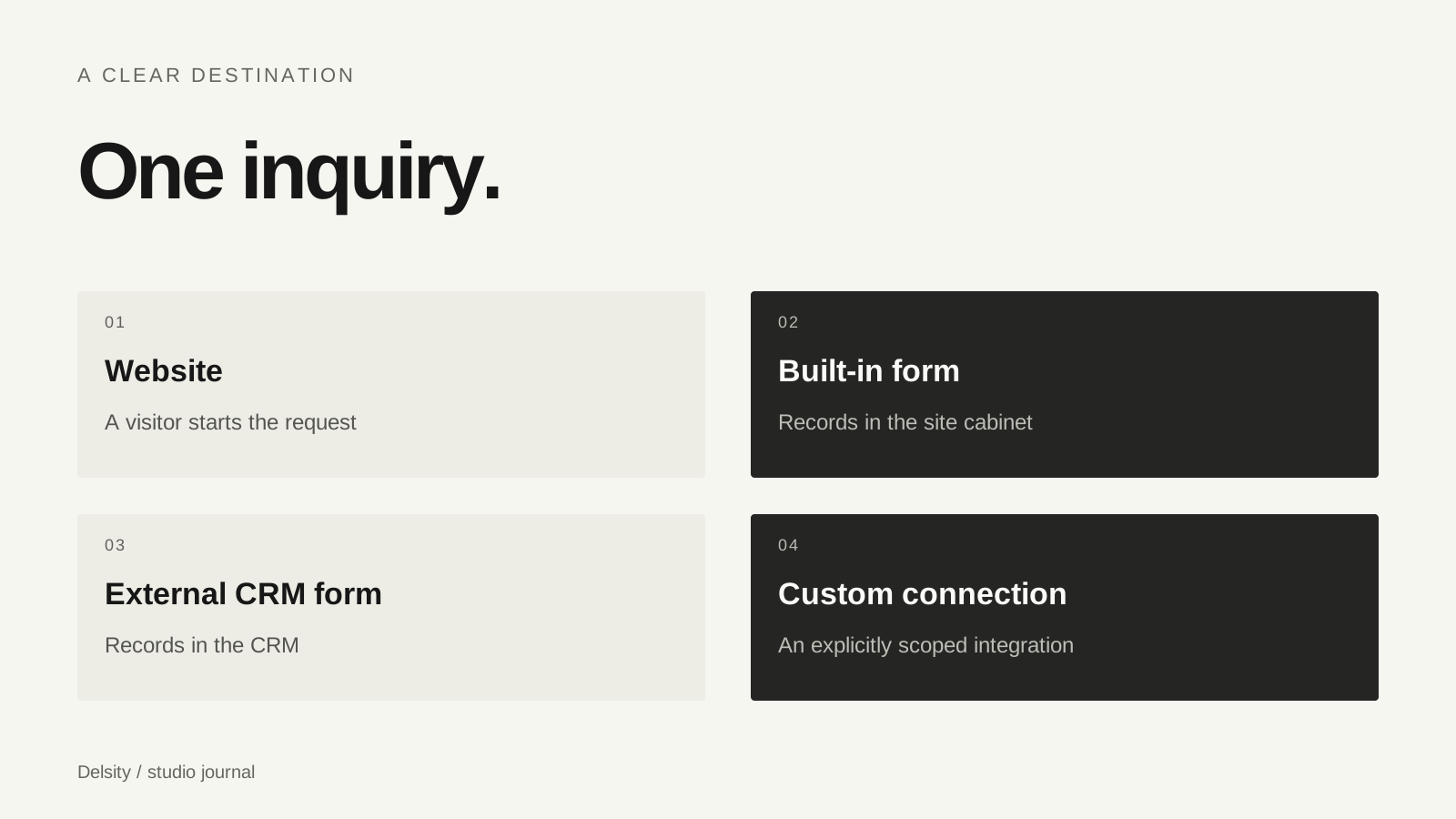
For example, a website inquiry may need to arrive in an existing CRM. That is different from requiring a team workspace with assigned stages, permissions, client feedback and final delivery. A useful brief separates these tasks before treating them as one system.
Three starting points
| Option | When it may fit | Responsibility to understand |
|---|---|---|
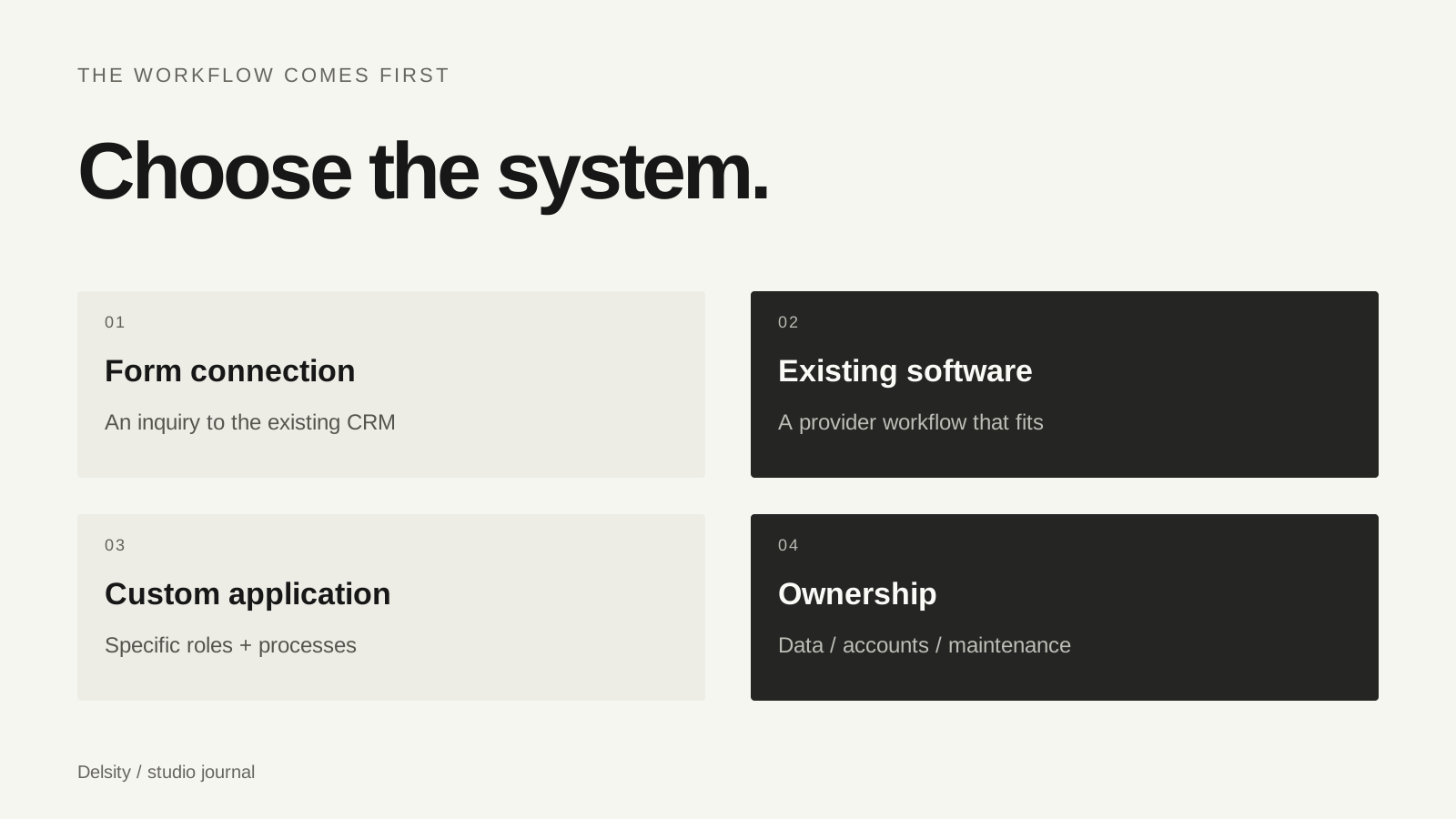
| Website form connection | An existing CRM already covers the work | Form setup and submission testing |
| Off-the-shelf system | The provider’s workflow suits the studio | Subscription, settings and provider limitations |
| Custom application | Specific roles or processes need tailored behaviour | Development, hosting, security and maintenance |
This is a decision framework, not a ranking of CRM vendors. The best option depends on the studio’s requirements and the current capabilities of a provider. Test those capabilities using the account and plan you intend to use.
Roles and data need explicit rules
In a custom system, “the team can see the project” is incomplete. Specify which roles can view, edit, invite, upload, approve and delete. Clients and team members may need different views. Administrative access should have a clear owner.
Also define the information the system stores and how it can be exported or backed up. A feature list without a data ownership and maintenance plan is not a complete brief. Integrations need a failure path: what should the studio do when a provider is unavailable or a transfer does not complete?
What our FlowShot case is useful for
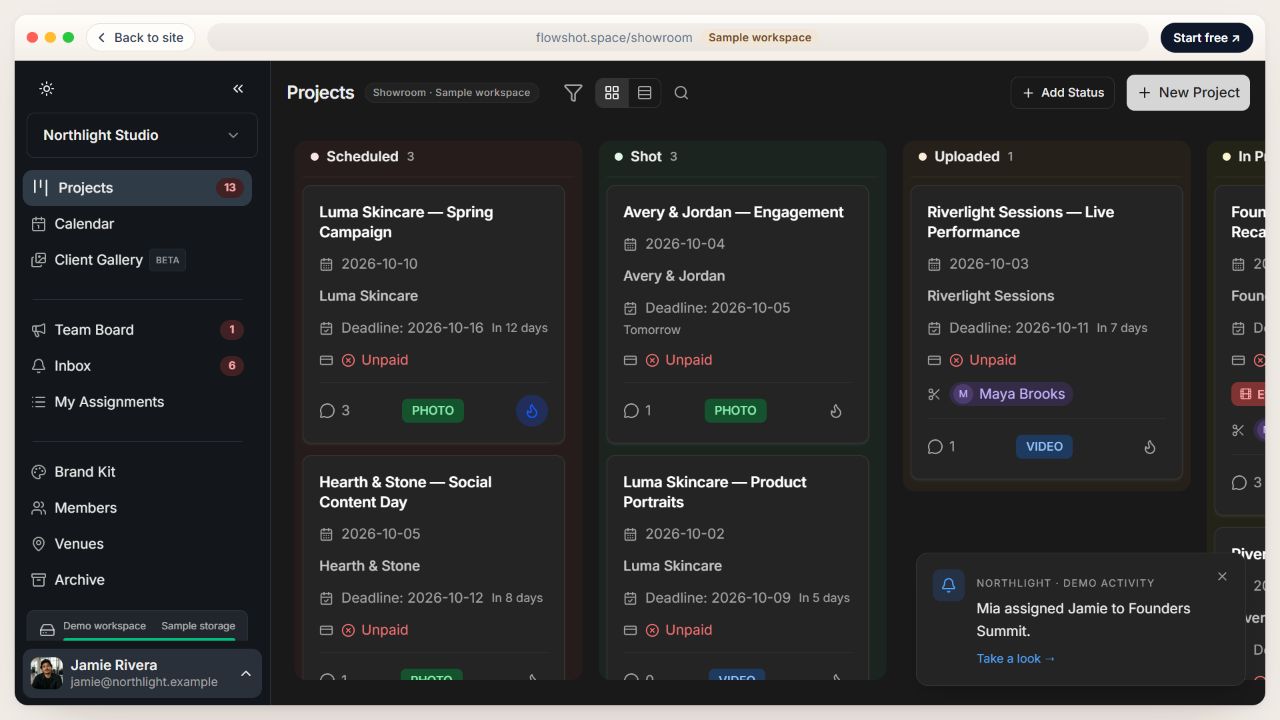
FlowShot is our own product for photo and video studios. The portfolio case shows interface examples for projects, team work, review and delivery. It helps demonstrate how we approach a real application, rather than using generic dashboard illustrations as evidence.
It is not evidence that every custom CRM project should reproduce FlowShot. Start with your process and use the case to discuss what belongs in your first version. The FlowShot case links to the product’s landing page so that you can explore the product separately.
Choose a small, testable first version
Map one complete route: a request arrives, someone owns it, work progresses, feedback is resolved and the result is delivered. Specify the roles and states for that route. Add integrations only when they are necessary to complete it.
Then define acceptance checks in terms of what a person can do. “A client can review the current version without seeing internal team notes” is clearer than “there is a client portal”. Include handover, operating costs, documentation and who maintains the system after launch.
- What problem is the existing setup failing to solve?
- Could a supported form or setting solve it?
- Which roles, states and data belong in the first version?
- Who owns accounts, source files and ongoing maintenance?
A custom application is a continuing operational responsibility as well as a development project. Choose it when the defined workflow justifies that responsibility.
Frequently asked questions
Does a custom CRM remove all subscriptions?
Not necessarily. Hosting, storage, external services and maintenance can still create ongoing costs.
Can a website cabinet replace a studio CRM?
It can manage defined site tasks, but broader client and team workflows need their own requirements.
Can we begin with a CRM form and build more later?
Yes, when the existing form solves the immediate inquiry task. A later application should be planned around the workflow that remains unmet.