Separate three different jobs
A photographer can reasonably ask for a website “with a dashboard” and mean several different things. One is an editor for photographs and articles. Another is a CRM for inquiries and client relationships. A third is a client portal for reviewing or receiving work.
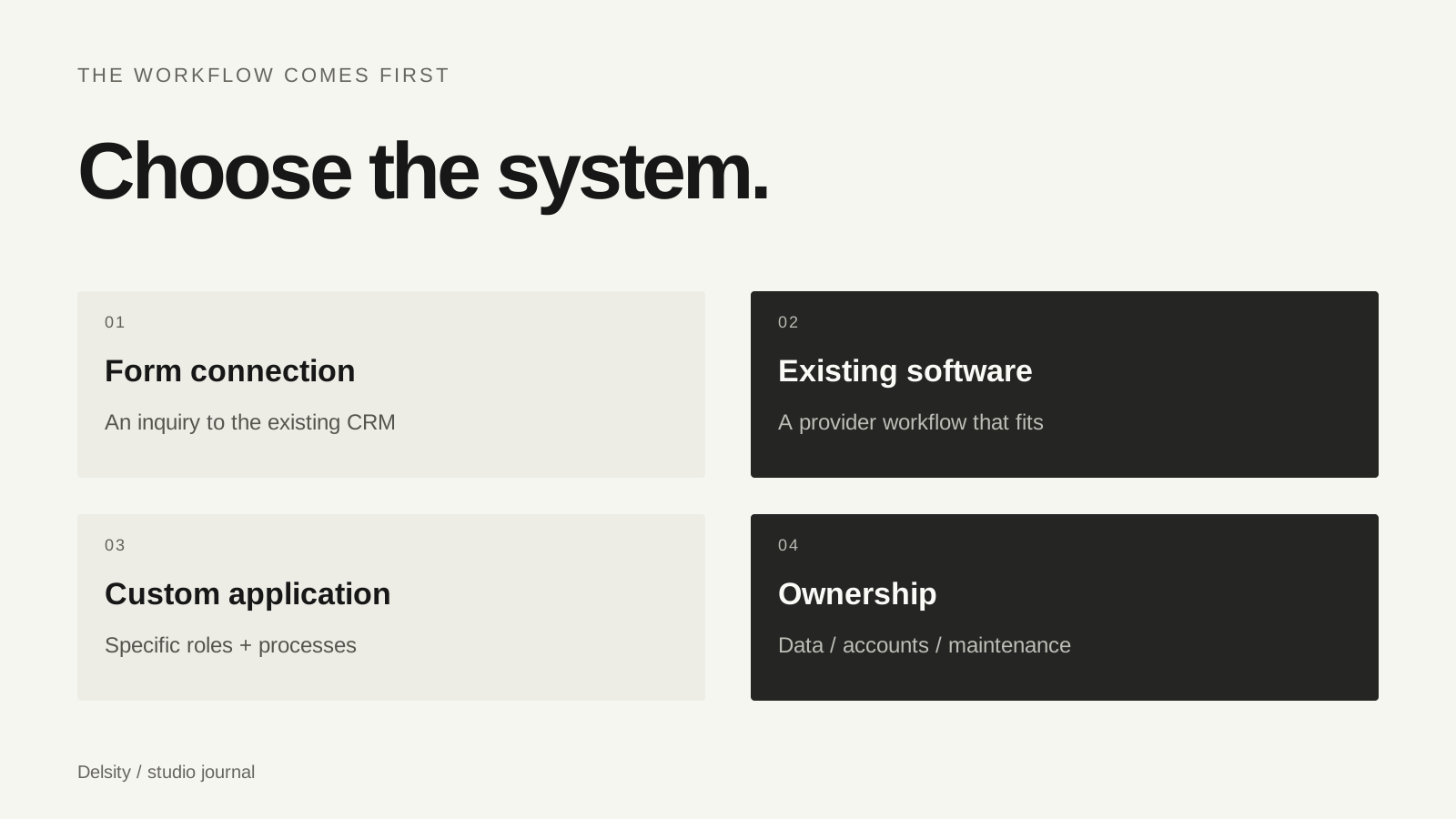
Those tools may be connected, but they do not automatically replace one another. Before choosing a platform or commissioning software, describe which person needs to do what. “I want to replace the hero image myself” is an editing requirement. “I want every inquiry to arrive in my existing CRM” is a routing requirement.
| Need | Starting point |
|---|---|
| Update photos, prices or articles | Website content editor |
| Capture an inquiry in an existing system | Published CRM form or a scoped integration |
| Track production tasks | Project workspace |
| Let clients review or receive work | Client-facing review or delivery space |
An embedded form is often the first thing to evaluate
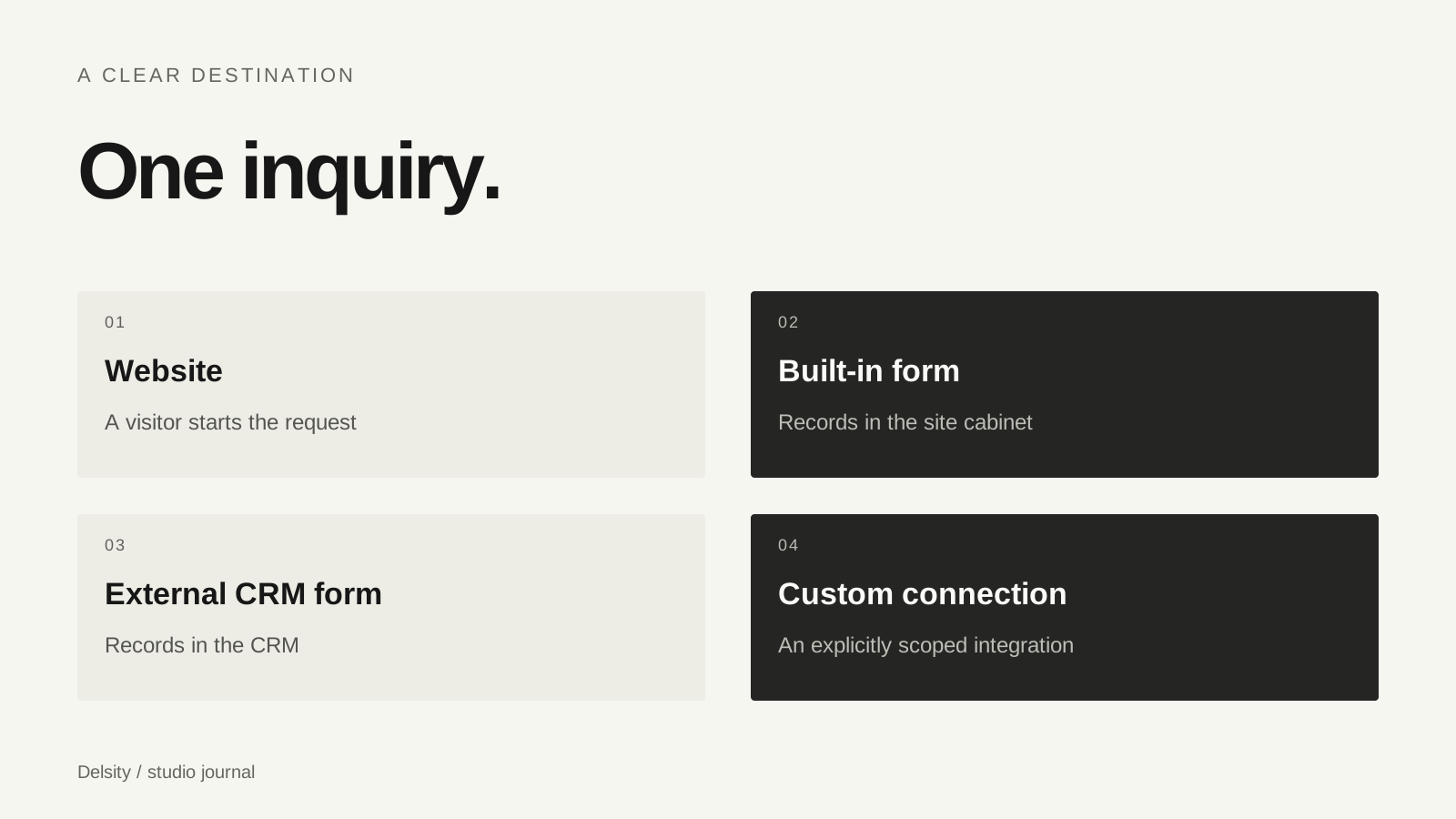
If your current CRM already works for your business, the website may only need to show or link to its published inquiry form. The practical question is whether the right fields arrive in the right place, with a useful confirmation for the client.
An embedded form is not the same as synchronizing contacts, bookings and payment status in both directions. That broader integration depends on the provider’s available interfaces and permissions, and needs its own specification.
Check the current account and form setup before promising compatibility. A provider name in a proposal is not proof that the exact workflow has been tested.
Test an inquiry from both sides
- Submit a clearly labeled test inquiry from the actual website on a phone.
- Confirm the visitor sees a useful success message or next step.
- Check the destination system for the correct field values and assignment.
- Check whether any confirmation or internal notification was actually delivered.
- Submit incomplete information and review the error messages.
- Document who maintains the form and its connection after launch.
Run tests with dummy information and avoid triggering a real client sequence. If you only verified that the form is visible, describe it as visible; do not call the whole workflow verified.
When a custom workflow is worth exploring
Consider custom development when you can name a repeated limitation: the same information is copied between systems, permissions do not match the team, or a client must use several disconnected interfaces to complete one task.
Write down one representative journey before listing features. Who creates the project? Who sees the files? Who can approve work? What happens when a deadline changes? A small workflow map reveals more than a long checklist of integrations.
Agree on access roles, backups, export, maintenance and support alongside the visible interface. A custom application brings ongoing responsibilities as well as flexibility. Keeping a working off-the-shelf system may be the more useful decision.
Why we show FlowShot in our portfolio
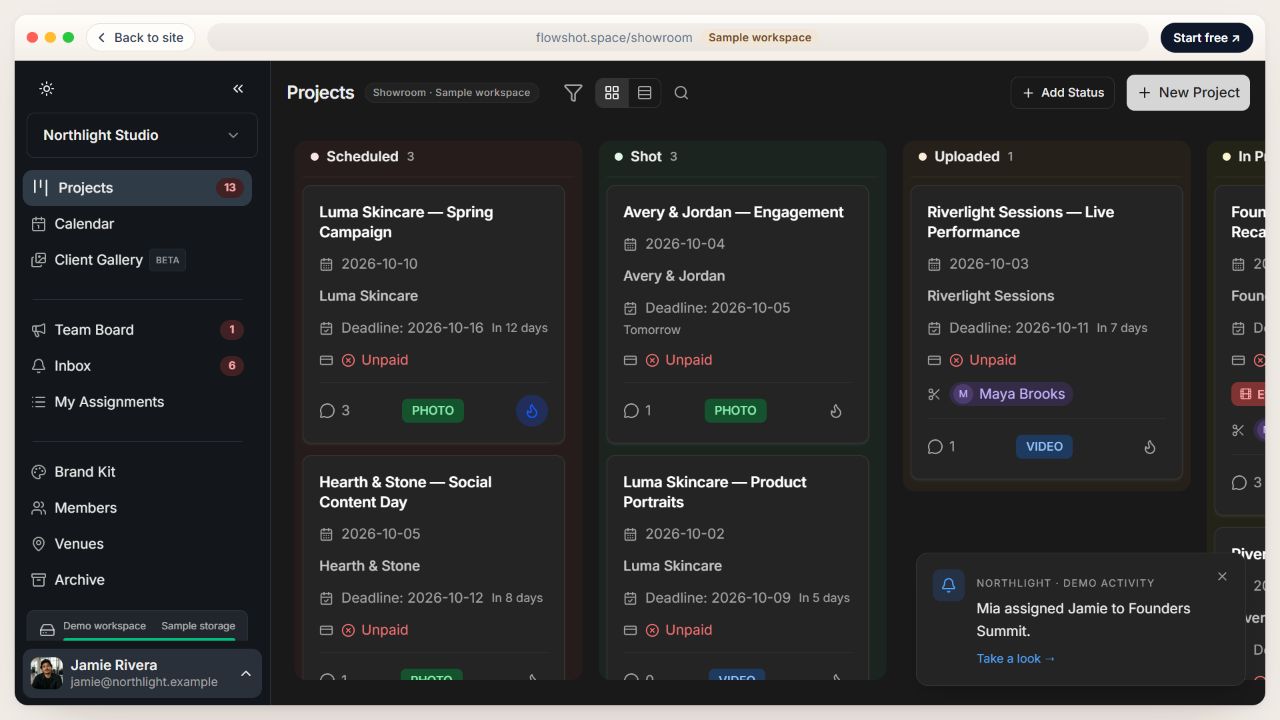
FlowShot is our own product, so we can show what we designed and developed: a project board, calendar, video review and gallery interfaces. The case presentation uses real screens with demo data.
That case demonstrates a type of work we can discuss. It does not mean every custom project includes all FlowShot functionality, or that it replaces every studio’s existing tools. A website editor for your portfolio can be a much smaller project.
If you want to evaluate the existing product, visit the FlowShot landing page. If you need a different workflow, the starting point is your process, not a copy of someone else’s feature list.
Bring a workflow, not just a software name
Prepare a list of the tools you use, the people involved, one example project and the step that repeatedly costs you time. Mark which systems must stay and which data needs to move.
That gives us a useful basis for deciding whether the task is a form connection, an editable website, a client portal or a larger application. It also makes the proposal easier to check: each promised function should support a real action in your studio.
Frequently asked questions
Does a site cabinet do the same job as a CRM?
No. A cabinet manages defined website content and built-in inquiries. A CRM manages a broader client workflow.
Do I need custom development just to receive leads?
Not always. A published form from your existing CRM can be the appropriate starting point.
What does this guide compare?
Workflow approaches: forms, cabinets and custom systems. It is not a vendor ranking or a claim that every provider plan offers the same capabilities.