Start with where the logo will be used
A logo animation used at the end of a wedding film has different requirements from one placed over footage or displayed on a website. Before requesting files, describe the destination. Include whether the animation plays once, loops, has sound or sits over another image.
The same motion idea can produce several exports, but the files are not automatically interchangeable. A version that is convenient for viewing may be less suitable for further editing. Make the delivery list part of the animation brief instead of discovering missing formats after approval.
A container is not the same as a codec
Extensions such as MP4 and MOV describe containers. The codec inside determines how the picture is encoded and affects playback and editing compatibility. Two files with the same extension can behave differently in the software that receives them.
For our four public logo examples, the website versions are MP4 with H.264 video and AAC audio. They are viewing copies of those works. That does not define the export set for a new commission. Ask for compatibility with the actual editing application or browser that you intend to use.
Transparency needs an explicit delivery
If the logo should appear over footage, request an alpha-capable export and agree how it will be checked. An ordinary H.264 viewing file with a black background is not automatically a transparent overlay. A black background can be part of the rendered picture.
Ask the animator and receiving editor to agree the codec and alpha interpretation. Test the file over a light and a dark background inside the destination application. For browser use, compatibility differs by codec and browser, so the site implementation needs its own check rather than only a desktop preview.
A practical delivery matrix
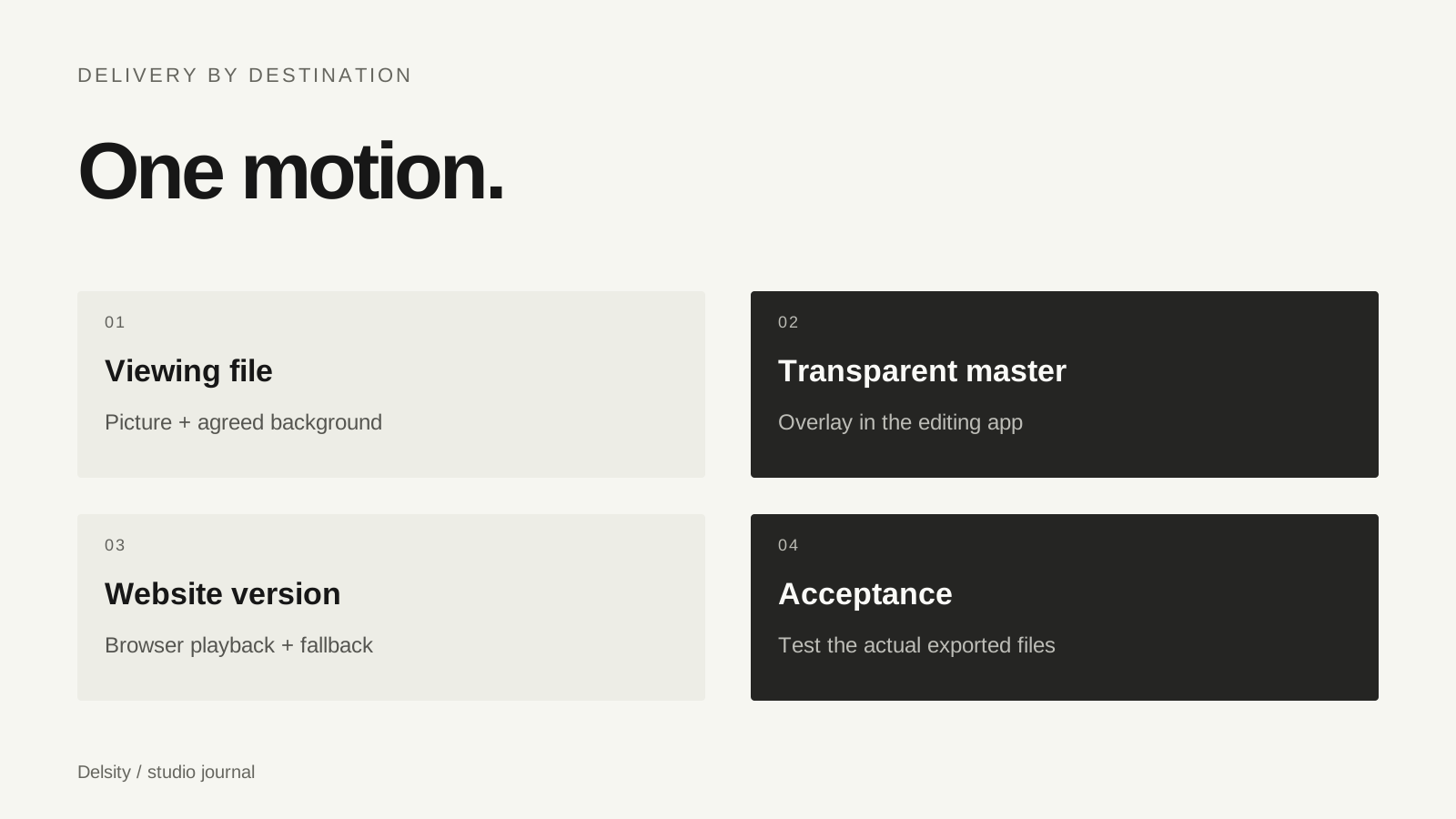
| Use | Ask for | Check |
|---|---|---|
| Viewing or inserting as a full frame | Compatible video export with agreed background | Resolution, frame rate and sound |
| Overlaying existing footage | Agreed alpha-capable master | Edges and transparency in the editing app |
| Website playback | Browser-compatible version and poster if needed | Loading, autoplay fallback and mobile playback |
A browser may block playback with sound until a user interacts. A poster and a meaningful static state keep the site usable when playback does not start. Vector or web-native animation can be a different implementation from a rendered video; it must be agreed as part of the work.
Check the final exports, not just the preview
Record dimensions, frame rate, duration, background, sound and whether a loop is expected. Open the actual delivered files in your editing application or deployed website. Check the beginning and end for unintended holds, cut-off sound or a visible loop seam.
Delsity’s logo animation price is $150–250 depending on complexity. Export versions and editable source delivery are agreed before work. See the animation cost guide and our real examples to explain the motion you want. A delivery checklist makes a short animation usable beyond its approval preview.
Frequently asked questions
Does every MOV file have transparency?
No. Transparency depends on the encoded content, codec and export settings, not the extension alone.
Is the website viewing file always the editing master?
No. A viewing copy and a master for further editing can have different requirements. Agree both when you need them.
Can a rendered video become an SVG animation automatically?
No. SVG describes vector content. A web-native animated implementation needs a suitable design and a separately agreed delivery.