Features
Everything in the loop, in one place
Editing, studio review, client feedback, approval and delivery stay connected. Here is what happens at each step.
Review
A workspace for saying which frame you mean
Revision rounds fall apart when a note and the thing it refers to live in different places. Everything here exists to keep them together.

Every version kept
v1, v2, v3 — nothing is overwritten. Comments left on an earlier version stay readable while you review the next one, so a note is never orphaned by an upload.
Timecode-anchored comments
A comment belongs to a moment. Clicking it moves the playhead there, on the web and in the Premiere panel alike.
Seven drawing tools
Point, rectangle, freehand, arrow, circle, line and lasso, drawn straight onto the frame. The lasso exists for the times you mean a region rather than a spot.
Voice notes and reference photos
Attached inside the comment itself. Faster than typing out a description of a colour grade, and the reference does not get lost in a chat thread.
Threaded replies and resolve
Replies hang off the original note, and resolving one takes it out of the unresolved count without deleting the history.
Filters that match how you work
All, unresolved, mine, or this version only. Useful the moment a film collects more than a handful of notes.
A decision, not a vibe
Approve, Approve with changes, or Request changes. Your editor gets an unambiguous signal, and the project's status moves with it.
Delivery
The page the client actually opens
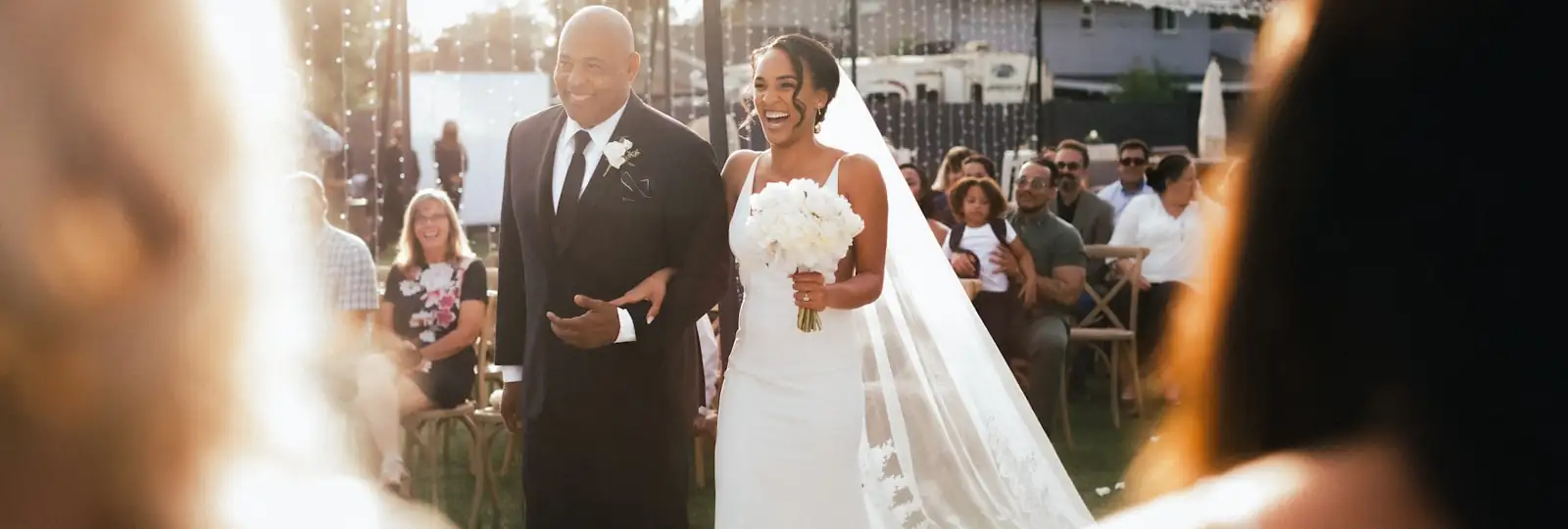
The approved material becomes their gallery. No second upload, no separate product, and nothing for them to sign up for.





One delivery per project
Assembled from the material you approved. The files the client receives are the files you signed off, not a re-export.
Sections that mix film and photographs
A cover, the film, the full gallery, the speeches — arranged in the order you want them seen.
No account for the client
They open a link. Delsity asks for a first name only if they write a comment, and not before.
Original files on download
The photograph they download is the file you uploaded, byte for byte, rather than a re-compressed copy.
Download rules per delivery
Everything, one section, favourites only, or nothing at all while the gallery is still under review.
Password and expiry
Both optional, both per delivery. A password screen that still carries your brand rather than ours.
Preview watermarks
Optional on previews while a gallery is still being decided on, off on the files they download.
Favourites
The client marks the photographs they love, and you see the list — useful for a final selection or album edit later.
Brand
Your studio's name on everything they see
A delivery is the last impression a client has of working with you. It should not be an advertisement for your software.
Brand kit
Logo, colours and type, set once and applied across every delivery you publish.
Your own domain
Add a CNAME or A record at your registrar and press verify. Deliveries then live at your address, not ours.
Branded email
The message telling the client their work is ready comes from your studio, carrying your brand.
Branded edge cases too
The password prompt, the expired-link page and the not-found page are all yours. These are exactly the screens a generic tool gives itself away on.
Premiere Pro
Review without leaving the timeline
A panel inside Premiere Pro, so your editor does not alt-tab between the cut and the notes about the cut.
Comment to playhead
Clicking a comment moves the sequence to that exact frame — including on 23.976 and 29.97 drop-frame timelines, where naive timecode maths drifts.
Comment from the playhead
Park on a frame, write a note, and it is anchored there for everyone else.
Export and upload as the next version
The active sequence goes out through Adobe Media Encoder and arrives as v-next, without a manual file hand-off.
Drawings where the editor can see them
Reviewer drawings render in the panel, and comments can be dropped onto the sequence as timeline markers.
Grouped by project
The session list is organised by project and client, so the right film is one click away.