Keep the originals intact
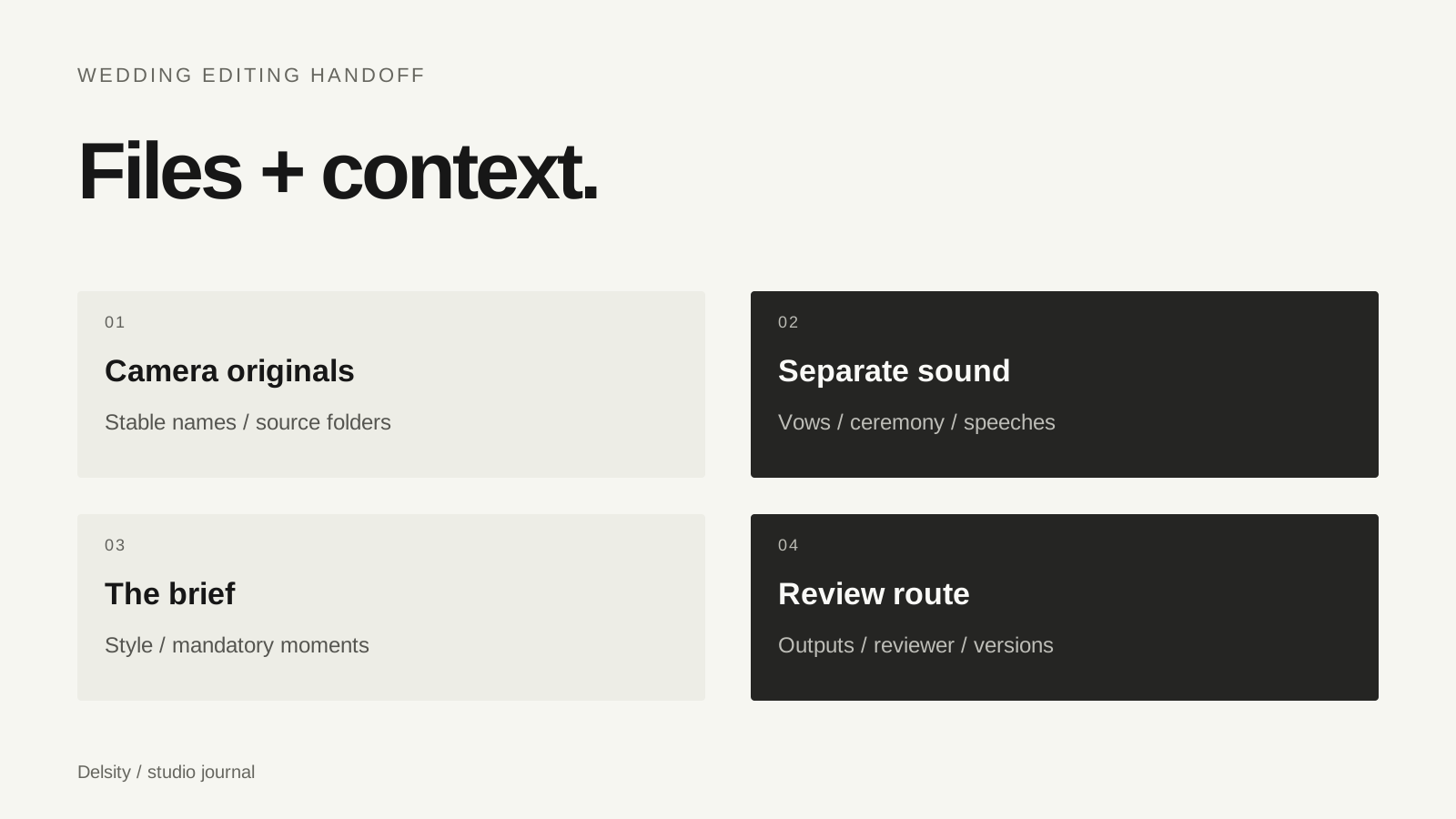
Send the original camera recordings unless another workflow has been explicitly agreed. A compressed messaging preview is useful for discussion but may not be suitable source material. Preserve names and the camera folder structure where it is needed to interpret the media.
Keep your own backup before transferring anything. A shared folder is a transfer route, not a reason to remove the recordings from your archive. Agree the transfer method with the editor and make sure the intended account can download the files without editing or deleting your originals.
Organise by source, then explain the day
| Folder | Useful contents |
|---|---|
| Camera A / Camera B | Original recordings with stable filenames |
| Audio | Recorder files, vows, speeches and reference notes |
| References | A previous studio film and style notes |
| Brief | Deliverables, mandatory moments and requested timing |
The folder names are an example, not a required studio system. If the material is already organised another way, keep it consistent and explain it. Renaming thousands of files just before transfer can introduce confusion without improving the edit.
Verify that the transfer is complete
A completed upload indicator does not prove that every expected recording was included. Make a simple manifest: file count, approximate total size and any folders intentionally omitted. Ask the editor to confirm receipt and flag files that will not open.
Test a representative camera file and an audio file from the destination. Check that a shared link permits the intended action and will remain available for the agreed working period. Avoid pasting credentials into a public brief or giving a wider audience access than the project needs.
Attach the story to the files
An editor who was not at the wedding needs context. Identify the couple, key people, ceremony sequence and important speeches. Add timestamps or filenames for moments that are easy to miss. Say which passages must remain and whether any material should be excluded.
Include a film that reflects your studio’s actual style. A note such as “quiet pace, keep more natural sound, avoid fast transitions” gives a more useful direction than “make it cinematic”. If a reference conflicts with the supplied footage, expect to discuss that before a complete cut is prepared.
Agree how the edit comes back
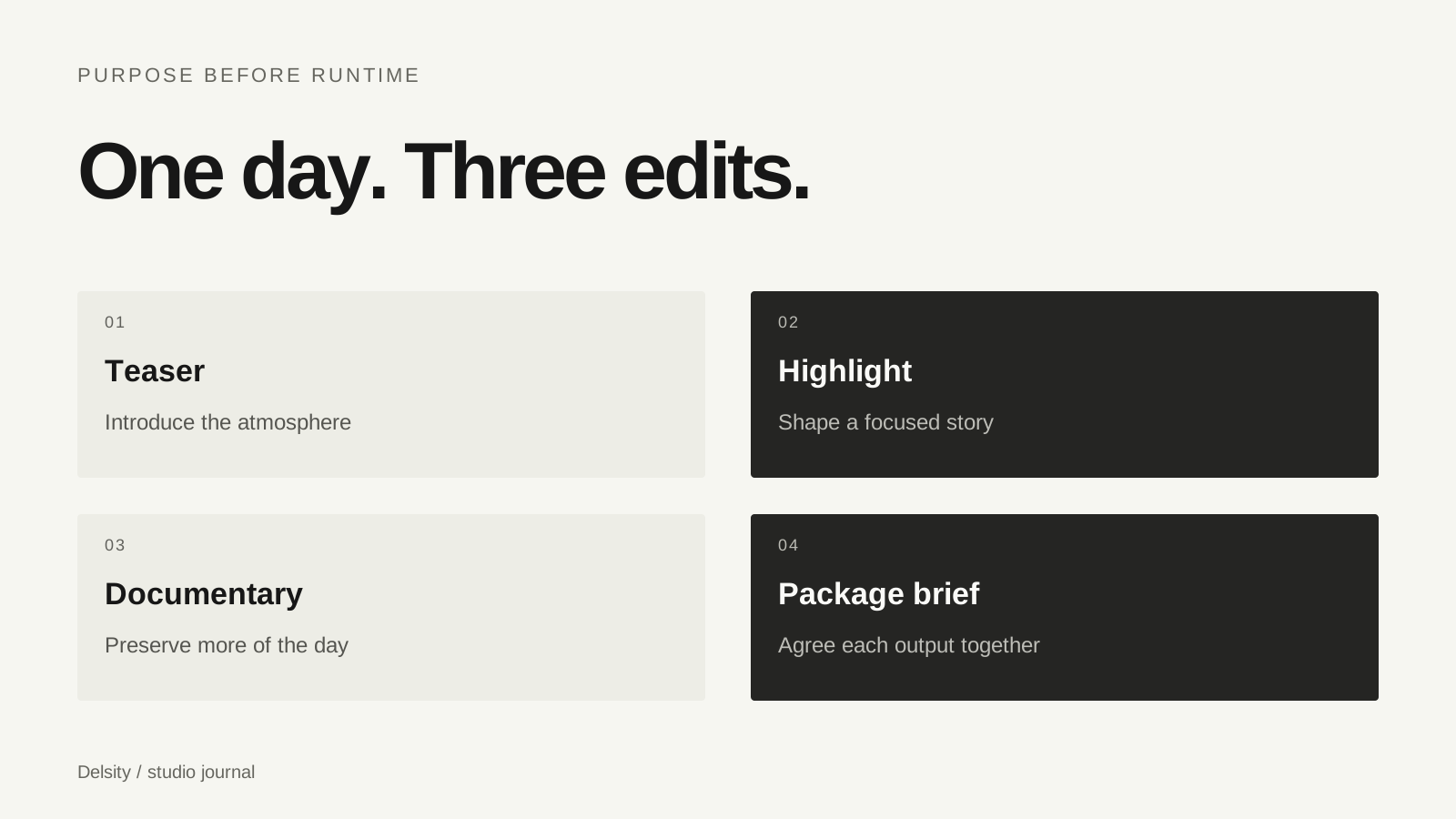
List the requested outputs and the role of each wedding film. Choose one person to collect feedback. Comments should identify the version, a timecode and the desired change so that the editor can act without guessing.
Agree what belongs in the first review and what needs to be resolved before final export, including music usage and any required platform versions. Track each approved revision rather than keeping several files with the same name. Review the exported film in the intended viewer with sound.
- Original media and separate sound available.
- Link access and transfer completeness checked.
- Reference and mandatory moments supplied.
- Deliverables and requested deadline listed.
- Reviewer and feedback route agreed.
Frequently asked questions
Should I rename every clip before sending it?
Usually a stable, explained structure is more useful than a last-minute rename. Preserve original names and camera folders where they are needed.
Can I send proxies instead of originals?
Only after agreeing a proxy and relinking workflow with the editor. Do not assume a small preview file can replace the original footage.
What makes an editing brief useful?
Named outputs, durations, a style reference, mandatory moments, audio notes and a clear review route.